
Turn Meetings Into Clear Outputs
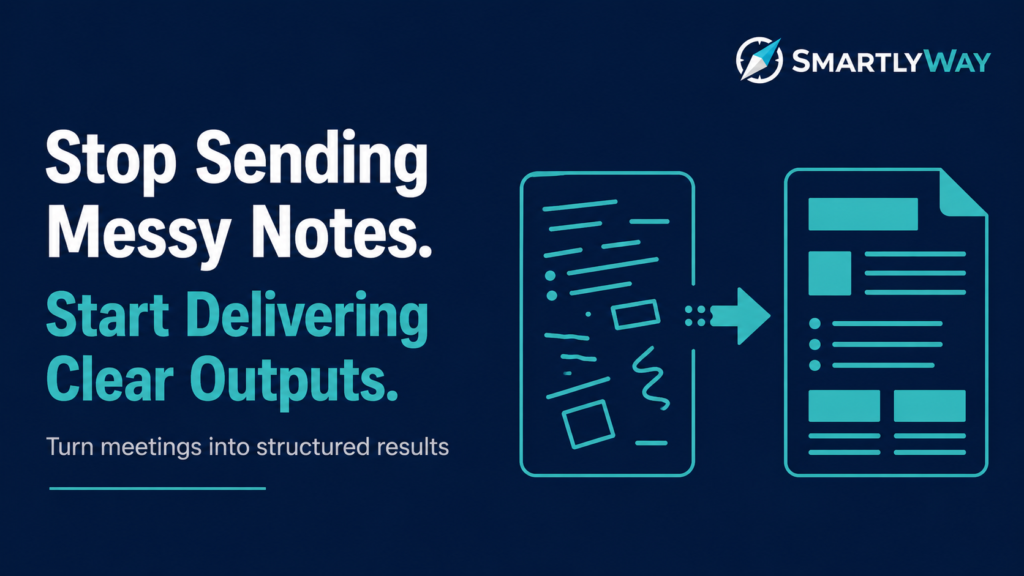
Transform raw notes, discussions, and ideas into structured summaries, updates, and actionable deliverables.
✓ One-time purchase
✓ Instant access
✓ No subscription
What You Get
Mode 1 — Meeting Summary
Decisions, action items (owner + deadline), open questions, executive paragraph.
Mode 2 — Project Status Update
RAG status, accomplishments, in-progress, blockers, next milestones, stakeholder asks.
Mode 3 — Brain Dump → Document
Scattered notes restructured into a professional document of your chosen type.
Mode 4 — Executive Summary
Any long document → 1-page summary: context, key findings, recommendation, next step.
Who This Is For
✅ Professionals who run or attend meetings and need to communicate outcomes quickly
✅ Project managers writing weekly status updates
✅ Executives synthesizing long documents into brief summaries
What You Need
A free or paid ChatGPT account
Your raw notes, draft, or document (copy-paste ready)
15–25 minutes
Get Access Today
$6,90
✓ Instant access via Gumroad
✓ Works with ChatGPT (free or paid)
✓ Step-by-step guided system
✓ Lifetime access
🔒 Secure checkout via Gumroad. Instant access after purchase
Frequently Asked Questions
❓ Do I need ChatGPT Plus to use this?
No. The system works with the free version of ChatGPT.
❓ How do I access the system after purchase?
After purchasing via Gumroad, you will receive instant access to the GPT system link.
❓ How long does it take to use?
Each step takes 5-15 minutes. The full system can be completed in under an hour.
❓ Does the system only organize notes?
No. The system is designed to transform raw information into structured professional outputs that are ready to share and act on.
❓ Can I use this system for multiple meetings or projects?
Yes. The system is fully reusable and designed to support recurring meetings, projects, brainstorming sessions, and work updates.
❓ What if I need help?
Contact us anytime at support@smartlyway.com